3.4 Experiment 4
3.4 Experiment 4
3.4 Experiment 4
Important Document: Lab 4 Manual
Experiment 4 primarily teaches how to use IP cores, but there is a compatibility issue with newer versions of Vivado. To resolve this, open IP Sources, right-click char_fifo, and select Upgrade IP, then proceed with configuring the IP core.
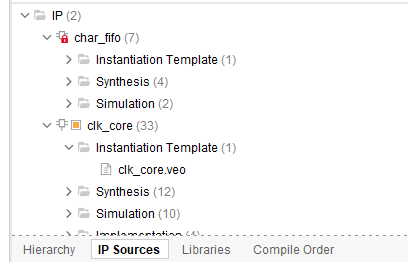
Before upgrading, a red lock icon will be displayed:
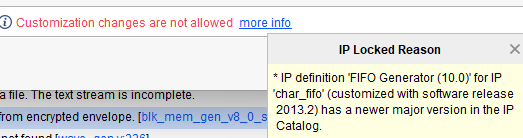
Right-click to see the lock reason:
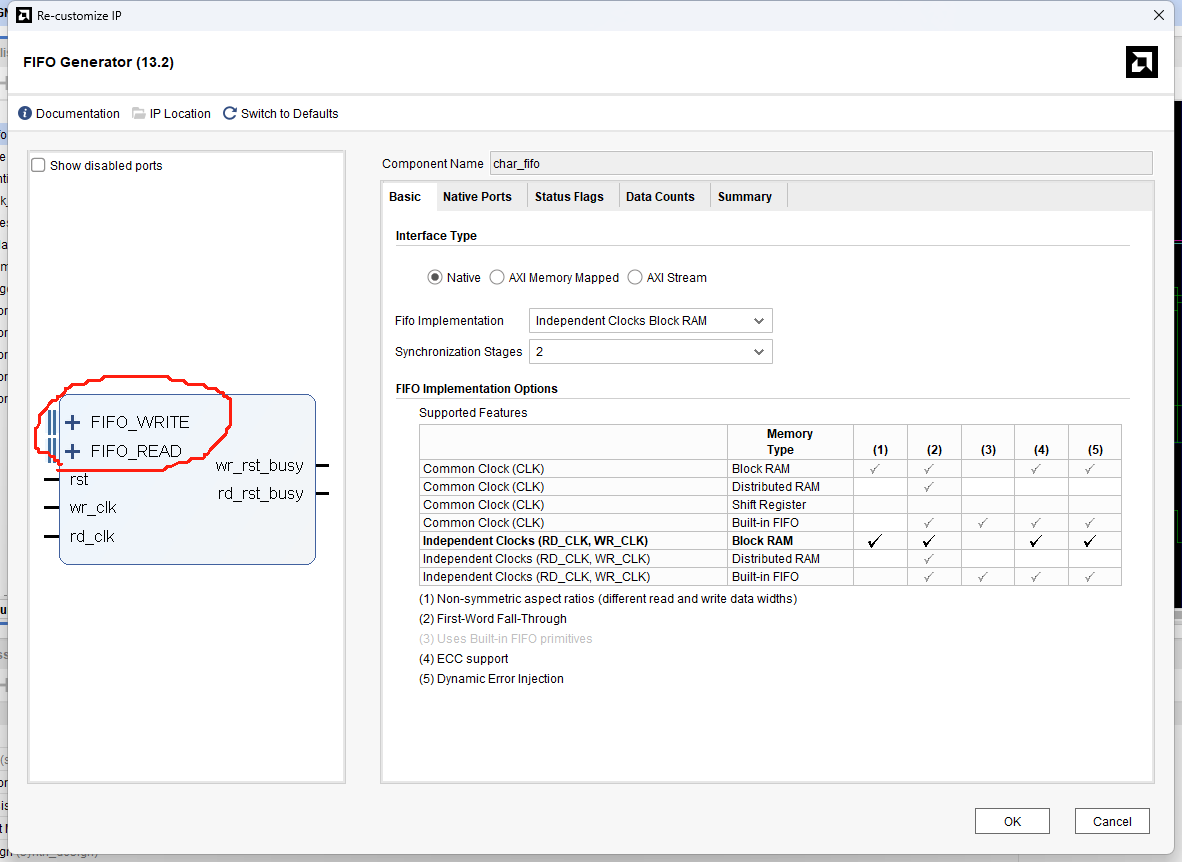
Upgraded version of char_fifo:
After upgrading, two new ports are added. You can look up their specific functions yourself. These two ports may generate connection errors since they didn't exist previously. You can safely ignore these errors as they do not impact the main experiment.
Error message:

Note that in the subsequent fifth major step, you do not need to upgrade the IP core again, as it has already been upgraded.
Experimental Results
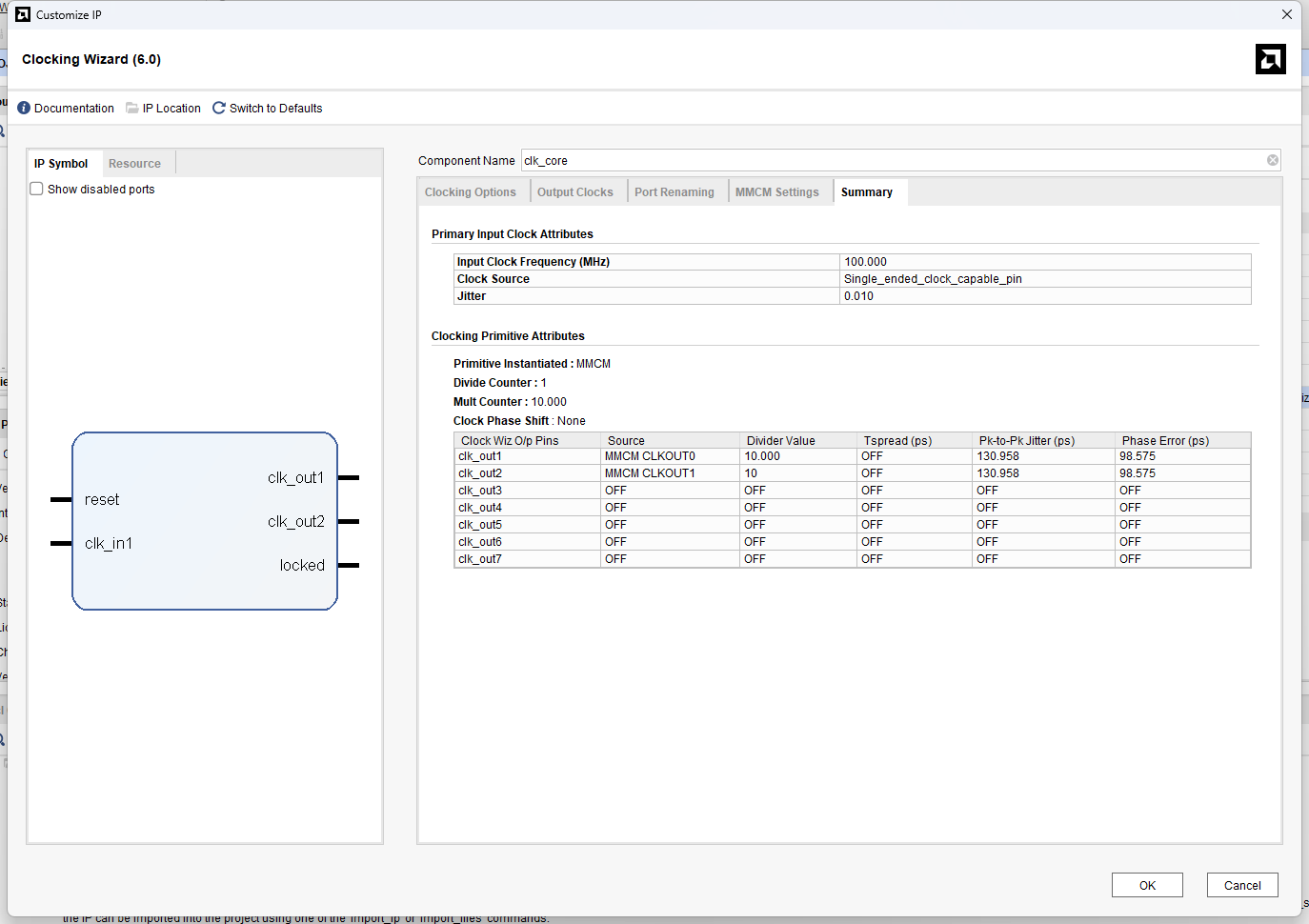
IP Core Summary
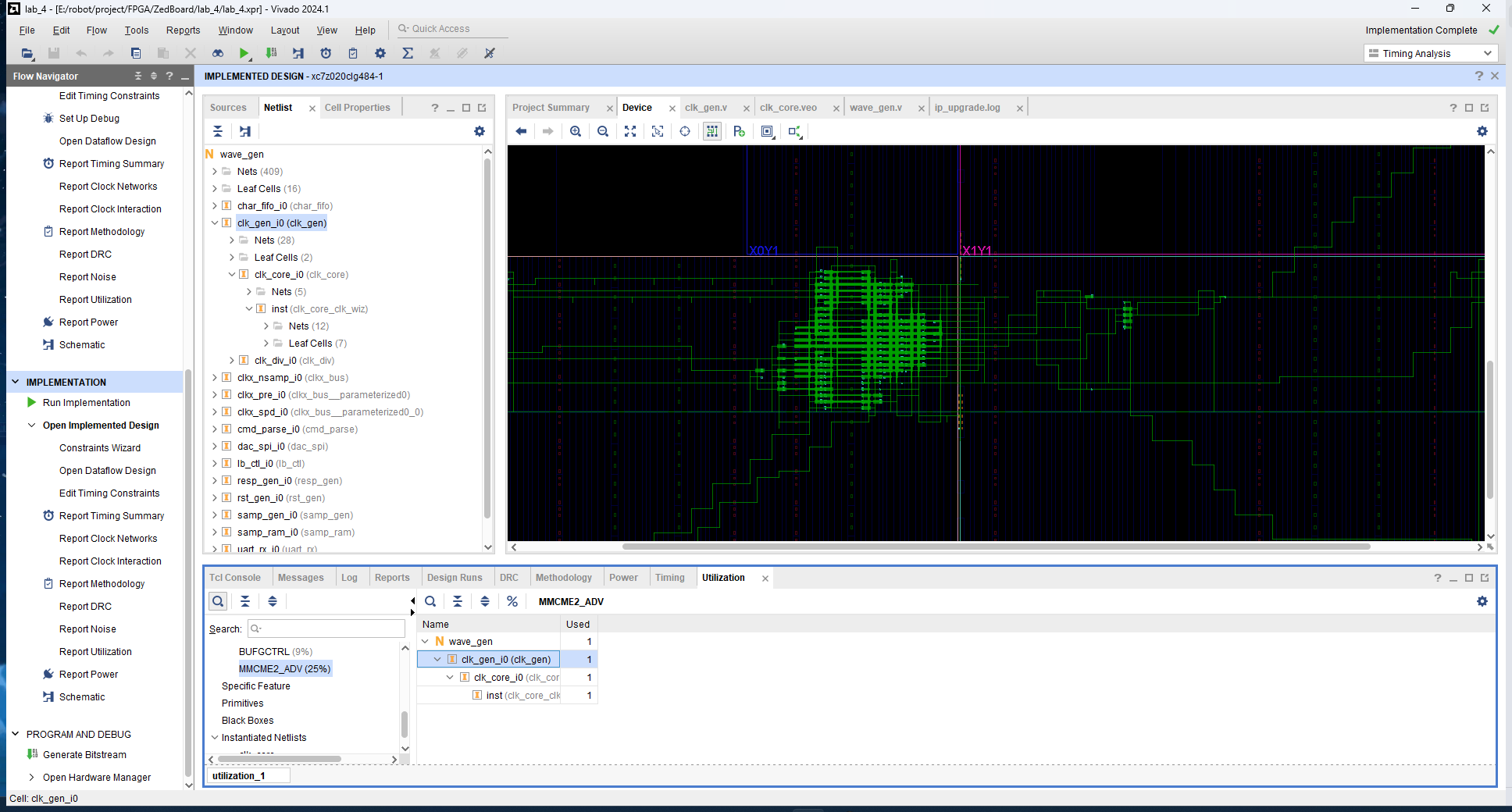
Device and Utilization
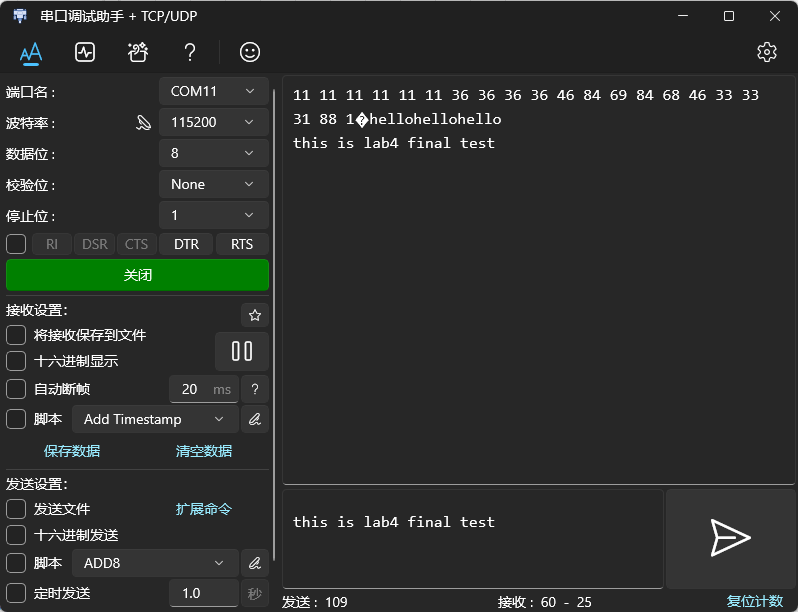
Final Test